Strategy & Brand
Move from Wix Squarespace to WordPress: what actually happens during the migration
Wix and Squarespace are great until they aren't. Here's when moving to WordPress is worth it, what the project actually looks like, and how to keep your SEO intact through the switch.
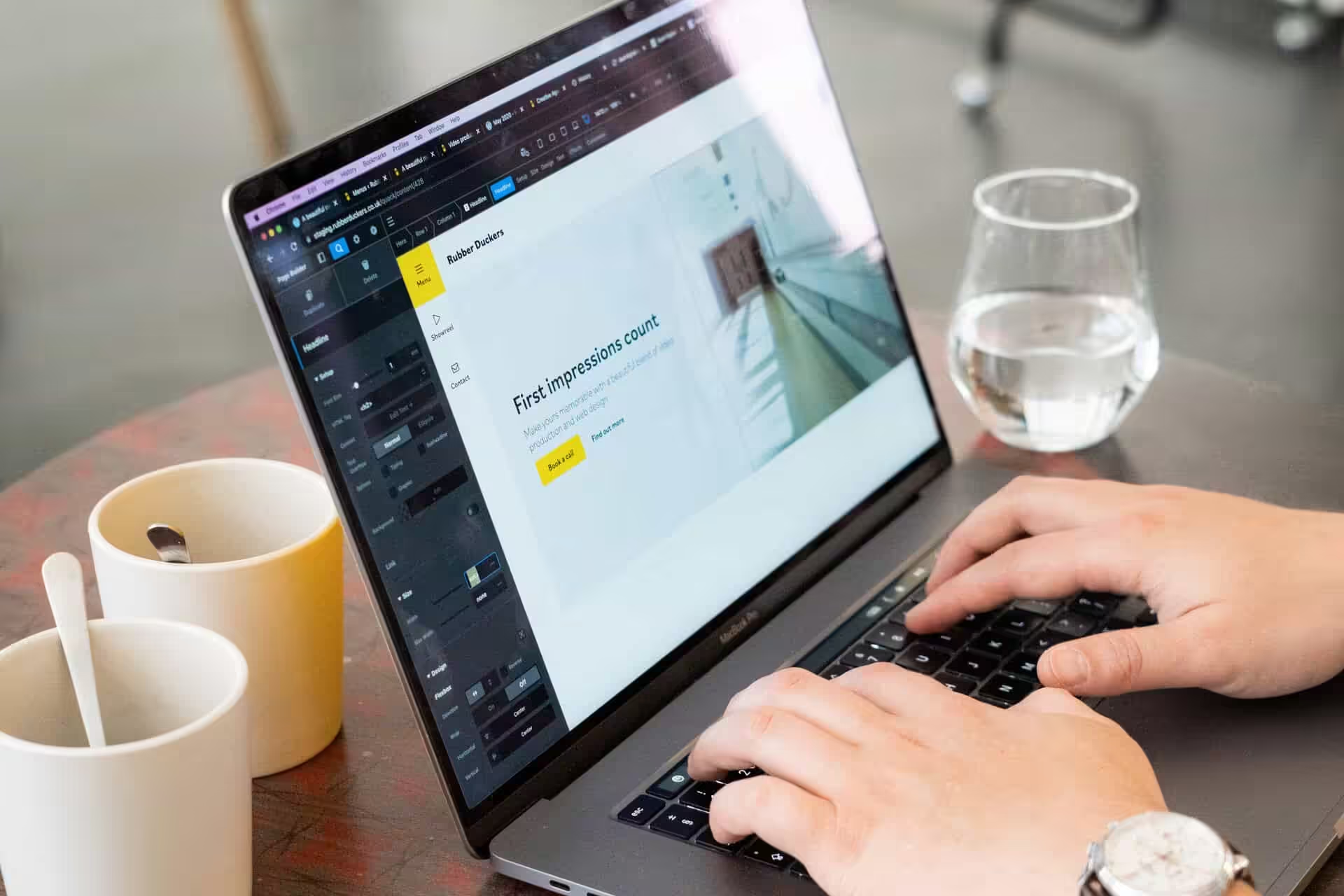
At some point, Wix or Squarespace stops making sense for a business site. You start needing features they can't offer, or you find yourself patching over missing bits instead of building what you actually want.
Maybe you've hired someone, but the platform just won't let them do what needs doing. Switching to WordPress isn't just copying and pasting your stuff over. It's a rebuild that takes proper planning, careful handling of your domain and SEO, and a clear idea of whether the hassle is worth it.
We've moved plenty of sites from both platforms. The tipping point is always the same: the business has outgrown what a website builder can do.
The word "migration" doesn't fit
People call it a migration, but that's not really what happens. If you move from one WordPress site to another, you can actually migrate everything—structure, design, layout and all.
With Wix or Squarespace, that's not possible. The platforms are just too different. There's no export button that brings your whole site across with the design, page structure, or layout settings intact.
What actually happens is we rebuild your site on WordPress, using your live site as a reference. Your content comes over, your brand stays familiar, and the visual feel gets replicated or improved depending on what you want.
The architecture underneath is brand new. Calling it a rebuild tells you more about what's involved and why the timeline and scope might surprise you if you're expecting a straight data transfer.
When the move makes sense
Most people who ask about leaving Wix or Squarespace have already hit a wall. The site worked at first, but now the business needs features the platform can't offer or integrations that don't exist.
Performance can get rough, or you end up spending more time working around the platform than actually improving the site. The three usual problems: the site can't keep up with what the business actually does, slow load times or bad technical performance start to hurt conversions or rankings, and the time wasted on workarounds gets expensive.
We moved Purpose Homes from Squarespace to WordPress after their property listings grew past 200 units and the site was taking 8 seconds to load on mobile. That one change dropped their bounce rate by 34% in the first month.
If you're dealing with even one of these issues, the switch is worth it. If you've got all three, the platform's already holding you back.
When staying put makes sense
If your current site does everything you need, there's no reason to move. Wix and Squarespace handle simple sites just fine.
If the platform isn't limiting you, there's no problem to solve. WordPress only makes sense if you need more control, want to own your data, or need features your current setup can't provide.
Moving for the sake of it just adds server management, security updates, and plugin maintenance. That's extra cost and extra hassle for nothing.
What's actually included in the move
Moving from Wix or Squarespace to WordPress works like a standard web design project. The difference is you already know what content you have and what parts of the old site work.
Your content comes across, but things get reorganised. The new structure rarely matches the old one exactly. Copy gets rewritten where needed, images get checked, and anything out of date gets swapped out.
The design starts fresh. You're not boxed in by template restrictions anymore, so the new site can be faster and shaped around how people actually use it. We keep your brand consistent but build something that works better.
Functionality is where you notice the biggest change. Features that used to be difficult or impossible become standard. Custom forms with WPForms, deeper integrations, proper landing pages using Elementor or the block editor, and advanced SEO controls are all possible. Security plugins like Wordfence or iThemes Security actually lock things down.
The technical setup covers WordPress hosting (usually managed WordPress hosting with providers like SiteGround), domain transfer, DNS settings, free SSL certificate, and automatic backups using plugins like UpdraftPlus. You'll also get WordPress themes, WordPress plugins, and performance tools like WP Rocket set up properly.
We price these projects like a bespoke build, using your existing site as a reference—not as a data dump.
Protecting your SEO through the switch
If your Wix or Squarespace site already ranks in Google, you need to handle the technical SEO side of the move carefully. Setting up 301 redirects from every old URL to its new WordPress version is essential.
WordPress handles redirects with plugins like Redirection, or you can set them in your server config. We run a full crawl with Screaming Frog before and after the move to catch any URLs that might get missed and cause 404s. Once the new site is live, submit your updated sitemap through Google Search Console so Google picks up changes quickly.
Meta descriptions, title tags and permalink structure should stay the same if those pages are ranking. WordPress gives you more control with plugins like Rank Math or All In One SEO, which also handle structured data and schema markup. Wix and Squarespace auto-generate a lot of this, but WordPress lets you set it yourself.
Watch out for duplicate content during the move and try to match your WordPress permalinks to the old structure where you can. Run a full SEO audit after launch to catch any issues early.
How to decide
Start by asking if your current site is actually stopping you from doing what you want. Or maybe you're just tired of how it looks. If you just need a change, leave it be and put the money towards something that actually helps.
Next, check if you're ready for the work ahead. Moving from Wix or Squarespace to WordPress means building your site again from scratch.
This takes time and budget. You can't just flip a switch and expect everything to work the same day.
You'll need to recreate your design and move all your content. There's also setting up hosting and testing everything properly.
Most businesses spend between £3,000 and £15,000 on this, depending on the site size and features. Give yourself at least six to eight weeks if you want things done right.
Add us as a preferred source on Google.
If this article has been useful, let us know!
If you're sitting on a Wix or Squarespace site and trying to work out whether it's time to move, the answer usually becomes clear in 10 minutes of conversation. We're happy to have that conversation with you, and we'll tell you honestly if we think you should stay where you are for now.
Book a free intro call to talk through your needs.