Strategy & Brand
Web design in Southampton: why local agencies outperform London on regional projects
Your website should be more than pretty, it should convert. This guide shares five ways Southampton-based service businesses can turn visitors into customers, using smart design, structure, video and content that actually works. Ideal if your current site looks fine but doesn’t drive leads.
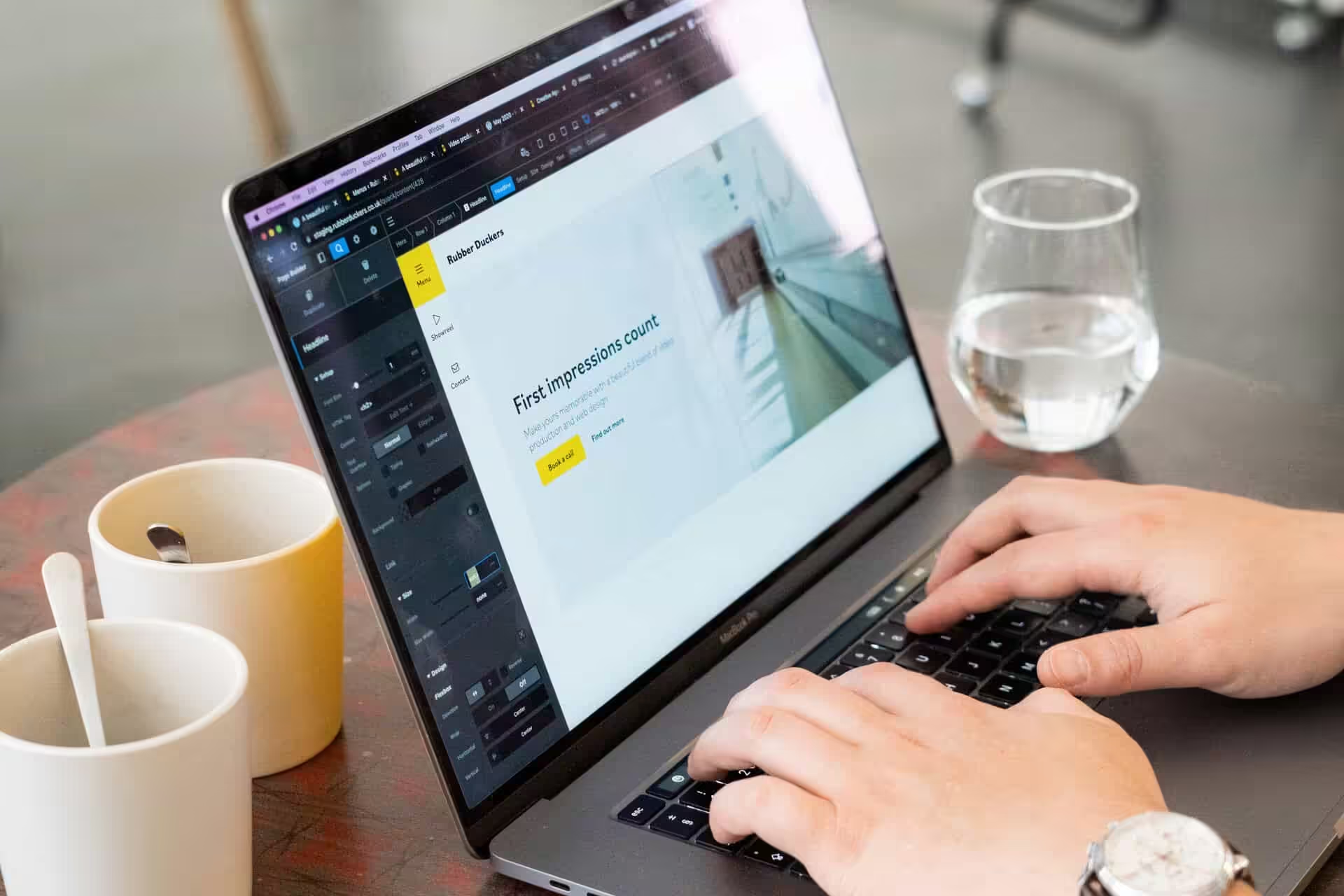
A website that looks sharp doesn't mean much if it fails to bring in real customers. About 94% of first impressions come down to web design, and almost as many people won't trust a site that looks outdated.
For businesses in Southampton, this hits even harder. Your website isn't just a digital business card. It's the first place most potential customers decide whether to call you, book a service, or just move on. We've seen it with clients: after we rebuilt the Household Cavalry Museum's site with mobile users in mind, their online income rose because people could actually complete bookings.
The same thinking works whether you're running a sports club, a property developer, or a local service business. Web design in Southampton needs to do more than look professional; it needs to guide visitors towards taking action.
1. Build credibility the second someone opens your site
Your website makes an impression before anyone reads a word. A clean, professional design tells visitors they can trust you. A messy or outdated site does the opposite.
People decide whether to trust a business based on how the website looks, and that judgement happens in seconds. Your design needs to match the quality of what you actually deliver.
Start with a clear layout. Use consistent colours, logos and fonts across every page.
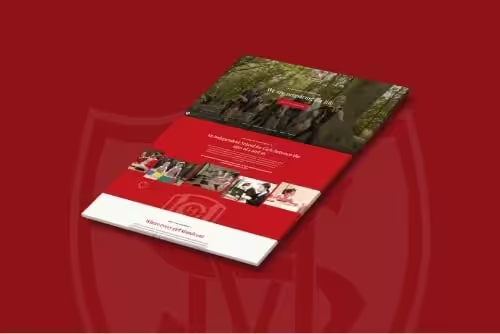
Your homepage should explain what you do and who you help without making people hunt for it. We worked with Southampton Athletic Club on a bespoke website that introduced a new brand identity. The redesign gave potential members a better first impression, which led to more sign-ups.
Bridge Beauty wanted their online presence to feel as polished as their salon. We built them a digital shopfront that matched their physical space, complete with photography and video that brought the site to life.
A modern, well-built site keeps people on the page. An amateur one sends them elsewhere.
Key elements that matter:
- Clean, uncluttered layout
- Typography that's easy to read on any device
- Brand consistency across all pages
- Fast web hosting so pages load quickly
- A custom web design that reflects your actual service quality
2. Clear pathways that make finding information easy
A beautiful website doesn't help if visitors leave because they can't find what they need. We've watched businesses lose leads simply because their navigation confused people or buried key information three clicks deep.
The fix starts with streamlining your menu down to essentials. Strip out anything that doesn't serve a clear purpose.
Use labels that tell visitors exactly where they'll land: Services, Our work, Get in touch. We often add a standout action in the navigation itself, like Book a discovery call, so the next step is always visible.
Each page needs a clear hierarchy. Important content sits at the top. Calls to action appear where decisions happen.
Responsive design ensures this works whether someone visits on a phone during their commute or on a desktop at work. When we rebuilt the Southampton Athletic Club website, the old site had everything members needed, just hidden behind confusing menus. New visitors couldn't work out how to join. Long-time members struggled to find training schedules.
We reorganised the entire structure to surface what matters: how to join, who runs the sessions, when things happen. Member sign-ups increased, and the committee stopped fielding basic questions by email.
For service businesses, structure your site around the questions prospects actually ask. What do you do? Who have you helped? What does it cost? How do I start? Answer each in a predictable place.
WordPress web design gives you flexibility to test different structures. Custom WordPress builds let you create navigation patterns that match how your specific audience thinks.
A content management system matters most when you need to update menus, add pages, or reorganise sections without breaking the whole site. For web apps or complex service offerings, group related pages together.
Use dropdown menus sparingly—they work on desktop but frustrate mobile users. User experience design focused on navigation removes friction at every step, keeping visitors moving towards conversion rather than hunting for basic information.
3. High-quality visual content that tells your story
People process images faster than text. The photos and graphics you choose directly affect whether someone trusts you enough to get in touch.
Grainy photos or overused stock images signal you haven't invested in your online presence. Real images of your team, your workspace, or your work in progress do the opposite. They prove you exist and care about how you present yourself.
For Bridge Beauty, we filmed the salon's actual staff delivering treatments and photographed the space as clients would see it. Visitors could watch the atmosphere and quality before booking. That authenticity made the site more than a brochure site listing services and prices.
City Estates needed to fill properties year-round. We delivered web design alongside professional photo and video content for every listing. Virtual video walk-throughs let prospective tenants explore flats remotely. The result: 100% of properties filled every year since launch.
Visual content answered questions and built desire without requiring an in-person viewing first.
What works well:
- Before-and-after project galleries
- Team headshots with real names and roles
- Product photography showing scale and detail
- Video demonstrations of your service
- Local imagery if geography matters to your audience
What undermines trust:
- Generic stock photos that could appear on any competitor's site
- Low-resolution images stretched beyond their size
- Outdated photos that don't reflect your current team or offerings
Your logo design sets the tone, and every image after should reinforce that identity. If you're Southampton-based, showing recognisable local settings can confirm you're accessible and embedded in the community.
We offer in-house photography because separating web design from visual content rarely produces the best outcome. When we control both, we shoot what the layout needs and design around what we've captured.
If you run a blog, pair each post with a relevant image or custom graphic. Text-only posts get scrolled past. A well-chosen visual pulls readers in and makes the content easier to share.
Invest in visuals that show your product or service in action. The difference between a site that converts and one that gets ignored often comes down to whether people can picture themselves working with you.
4. Video content to engage and convert
A short video can demonstrate a service, convey personality or build trust faster than several paragraphs of text. Adding video to a landing page can increase conversions by up to 80%, which makes it one of the most effective tools for turning visitors into leads.
For service businesses, video might take the form of a homepage hero reel showing your team at work, a client testimonial, or a founder introducing the company. The format matters less than the function: video lets visitors experience what you do rather than simply read a description of it.
We use video across most of our projects because we've seen what it does to engagement and enquiry rates. When we rebuilt the site for Conquer Tables, a Southampton brand making luxury shuffleboards, we replaced their static homepage with a hero video that drops visitors straight into a game night.
You see the product in action, hear the atmosphere, and immediately understand the experience they're selling. That single piece of video content kept visitors on the page longer and led to a measurable increase in quote requests.
We took a different approach for Abby's Heroes, a local charity. Their site needed to communicate the impact of their work, so we used video to tell a real story about the families they support. Putting a face to the mission helped turn casual browsers into donors.
How to use video without slowing your site down:
- Keep it short: 30 to 90 seconds for hero content, under three minutes for testimonials
- Host externally (Vimeo, YouTube) and embed to avoid bloating page load times
- Add captions so the message lands even when sound is off
- Use video where it supports a decision: homepage, service pages, case studies
Video doesn't need to be expensive or scripted. A well-shot clip of your team at work or a customer explaining what changed after using your service can outperform a polished advert. The goal is to show something real that text can't capture.
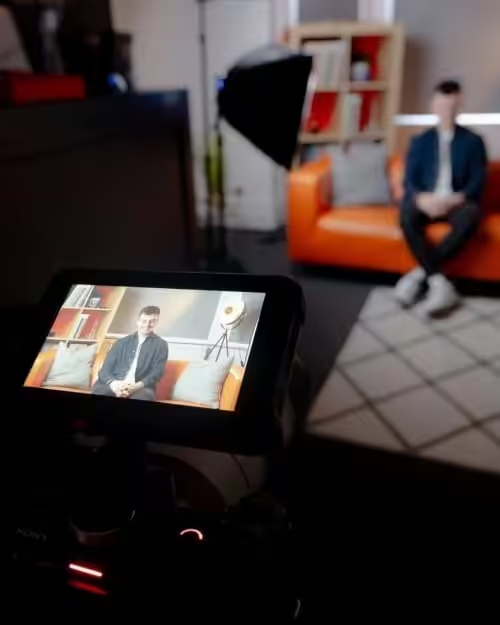
We've also found that professional video production services help businesses create content that matches the quality of the rest of their site. If your video looks amateur next to a polished design, it undermines the credibility you've built elsewhere.
5. Conversion-focused content and visible CTAs
Every page needs to point visitors somewhere. A CTA nudges people from browsing to booking, buying, or getting in touch.
If you skip it, conversions drop. CTAs work as direct prompts that move people toward a goal, whether that’s requesting a quote, signing up for a mailing list, or finishing a purchase.
The design, wording, and placement of these buttons decide if someone clicks or leaves. A button that fades into the background gets ignored.
Use contrast, size, and whitespace to make CTAs stand out. Buttons usually work better than plain links because they look like something to press.
Placement matters. Top navigation grabs early interest. Mid-page CTAs help users who want more detail. End-of-page buttons catch the ones who scroll all the way down.
Wording makes a difference too. Generic labels like "Submit" or "Click here" don’t say much.
Specific copy tells people exactly what happens next:
- "Get my free quote"
- "Book a consultation"
- "Download the guide"
- "Start my trial"
The words should match the offer and highlight what the visitor gets. If you’re running a WooCommerce integration, "See our online shop services" says more than "Learn more".
Clicking a CTA should lead somewhere simple. If someone clicks "Request a callback", the form should just ask for a name, number, and preferred time. That’s it.
Long forms put people off, especially on mobile. In an online shop, a smooth checkout makes it easier to buy. Offering different payment options helps stop abandoned carts.
We saw this with the Conquer Tables rebuild. The "Get a Quote" path became the main event. Bold CTAs led to a short form. We put UK build quality and fast lead times right next to the button so visitors could see what mattered. Qualified enquiries went up, and fewer people dropped out early.
The Abby's Heroes project worked the same way. We built prominent donate buttons and event sign-ups into every important page. Their old site hid these options, which made fundraising harder. The new setup made it easy for supporters to act, and donations improved.
Internal links nudge people too. Content can guide users without being pushy.
A blog post about local search might invite readers to explore our SEO services if they want someone else to handle it. These inline prompts connect information to action.
Every page needs a purpose. Even an about page can link to a contact form or service overview. Blog posts can point to case studies or booking tools.
The homepage and contact page do most of the conversion work. The homepage CTA should show up above the fold and again at the bottom.
The contact page needs a clear form, phone number, and any booking tools you use. We added a quick intro call scheduler to our own site, which let potential clients book a slot instantly.
Inbound leads went up because the barrier dropped from "send an email and wait" to "pick a time and talk tomorrow". Testing different CTA approaches helps you spot what works best.
Try button colours, wording tweaks, and different placements. Small changes can lift conversion rates across your digital marketing, whether you’re running an online shop or offering professional services.
CTAs and conversion-focused content turn traffic into results. Make the next step clear, keep it simple, and put it where people look.
What happens next
Your website stands a better chance of turning visitors into customers when clean design meets clear next steps. Layout builds trust. Navigation should make sense.
Strong visuals help people connect. Calls to action need to show up exactly where people expect them.
If your site isn't working, outside perspective often helps. We build web design services for Southampton companies that actually need results.
When we rebuilt the Household Cavalry Museum's site with mobile visitors in mind, ticket income went up. Purpose Homes and PHA Homes both saw triple-digit growth after redesigns that made it easier to enquire.
Schedule a conversation with us. We'll look at your current site and talk through what you want it to achieve.
Then we outline what needs to change. Pretty simple, really.
Decide on scope. Some sites need a full rebuild. Other times, targeted changes work better, like new photography, rewritten copy, or CTAs that actually get noticed.
Our in-house developers take care of everything, from small tweaks to complete overhauls.
Plan for ongoing support. Conversion work keeps going after launch. We track what happens once your site goes live and make design tweaks based on real behaviour.
We'll adjust as your business shifts. It's always a moving target.
Get specific about metrics. Pick one or two numbers you actually care about, like form submissions or phone calls. We design around those and measure against them.
We work with businesses across Southampton's hospitality, property, and professional services sectors. The process starts with competitor and customer research.
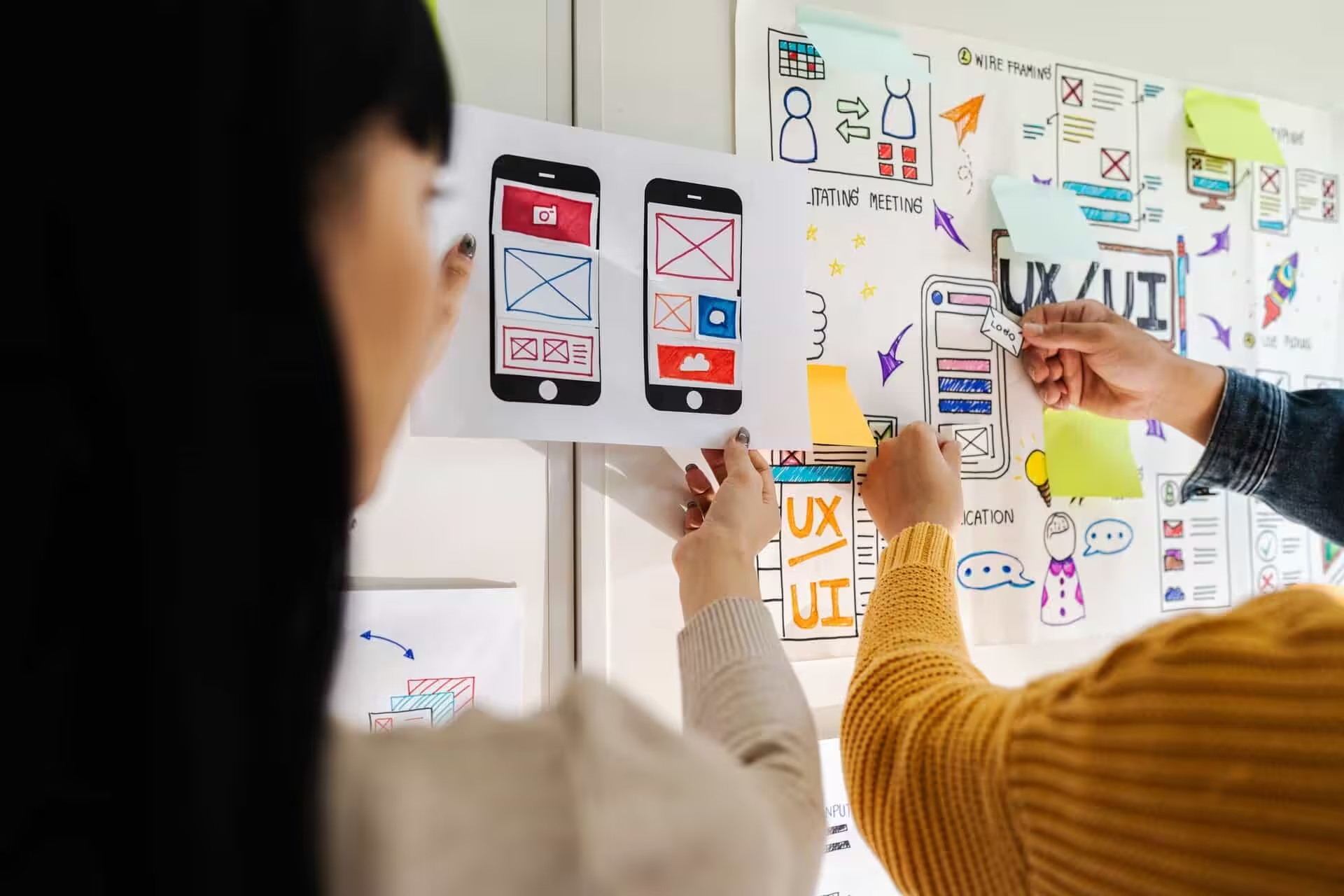
Next, we move through wireframes and mockups. Then it's development, testing, and launch.
Book a call with our team to talk about your site's conversion potential.
Add us as a preferred source on Google.
If this article has been useful, let us know!
Let’s build you a site that doesn’t just look the part, but actually pulls in the right leads.
Find out more
Book a free intro call to talk through your needs.